
17track alternatives for Shopify merchants
Looking for a 17track alternative for your Shopify store? Compare the 17TRACK app with Tracktor, AfterShip, CWILL and TrackingMore on price and features.
For merchants: what Shopify shows customers about their shipment, how to add a tracking page to your store, and how to choose a tracking app.

Short answer
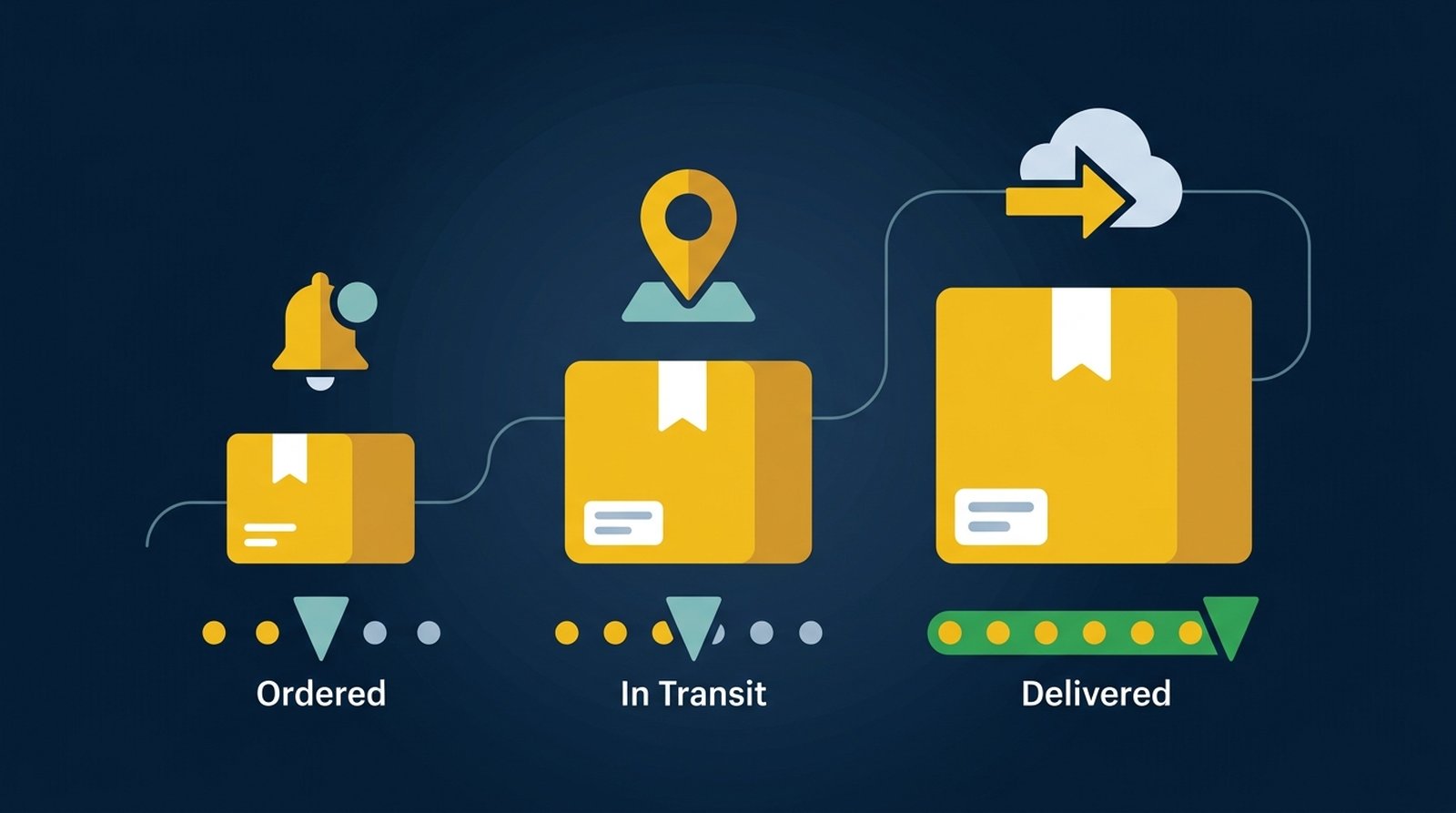
Shopify already sends shipping emails with a tracking link and shows shipment status on each order's order status page. What it doesn't include is a "Track your order" page in your online store. Most stores add one, either a simple page that tells customers where to find tracking or a tracking app with order lookup by order number and email.
Trying to track a package? Use the tracking link in your shipping confirmation email, or the tracking page on the store you bought from.
Every order gets an order status page that customers reach from their confirmation and shipping emails. Every plan can brand it and add app blocks, but no plan can paste code into it anymore. What you can change on the order status page, by plan has the details and dates.
A "Track your order" link in your menu and footer cuts "where is my order?" emails. You can build a simple page without an app, or add order lookup so customers find any order with their order number and email, no account needed. How to add an order tracking page covers both routes.
Tracking apps differ less in tracking data than in which plan includes the job you need: a branded page, notifications, delivery estimates or late-shipment reports. Shopify order tracking apps compared sorts them by job and store size, and the AfterShip and 17TRACK alternatives guides compare specific apps.
 GuideShopify order tracking apps compared by job and store size
 GuideAfterShip alternatives for Shopify stores
 Guide17track alternatives for Shopify merchants
Tracktor is ShopPad's order tracking app. It adds a branded tracking page and order lookup to your own store, so customers check an order with their order number and email and stay on your site.
Looking for a 17track alternative for your Shopify store? Compare the 17TRACK app with Tracktor, AfterShip, CWILL and TrackingMore on price and features.
AfterShip alternatives for Shopify compared by free plan, price at 200 shipments, notifications and tracking page, from App Store listings checked October 2026.
How to add a Shopify order tracking page with order lookup, with or without an app, and link it from your menu, footer and shipping emails.
How to change your Shopify theme without breaking apps: turn on app embeds, re-add app blocks and code edits, test, then publish.
Choosing a Shopify order tracking app? Compare which plan each job needs and the monthly cost at 100, 500 and 2,000 orders.
What each Shopify plan can change on the order status page after the script deadlines, what customers see about shipping, and where the page falls short.